

Knowledge Base
-
Shadow Colour for SketchUp®
-
Shadow Colour for Autodesk® Revit®
-
Planary for Autodesk® Revit®
-
Planary for Autodesk® AutoCAD®
-
Account Management
-
Changelog
-
Marketing Plans for Autodesk® Revit®
Installation
Supported Versions
Marketing Plans supports Autodesk® Revit® versions 2025 – 2026
Installation
The installation process is the same as any software windows installation.
1. Make sure Revit is closed.
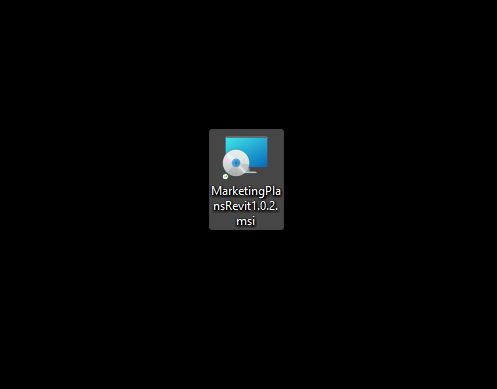
2. Double click on the installer file.
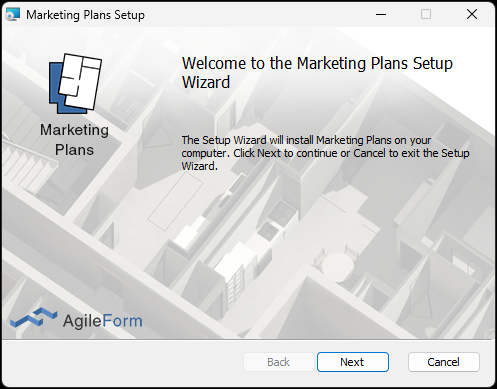
3. Click ‘Next’ on the welcome pop-up.
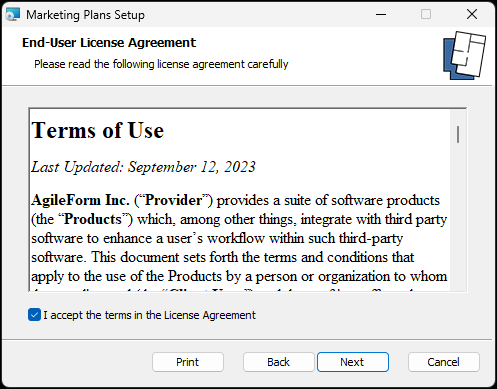
4. Agree to the terms of use and click ‘Next’.
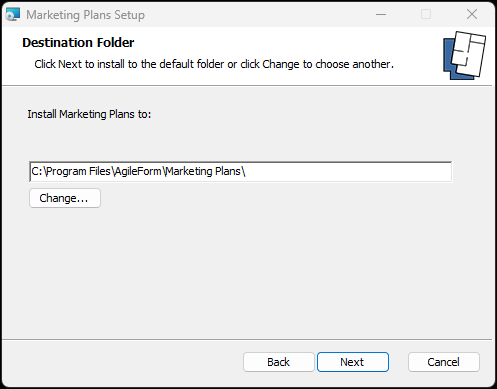
5. Select installation folder and click ‘Next’.
6. Click ‘Next’ to confirm installation.
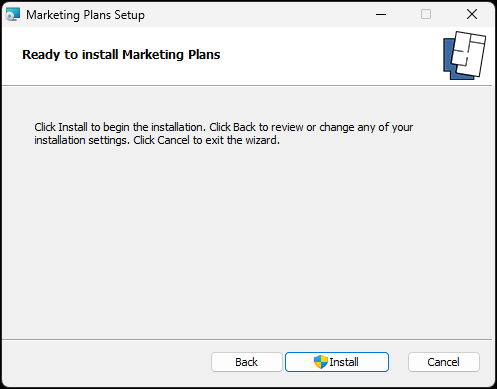
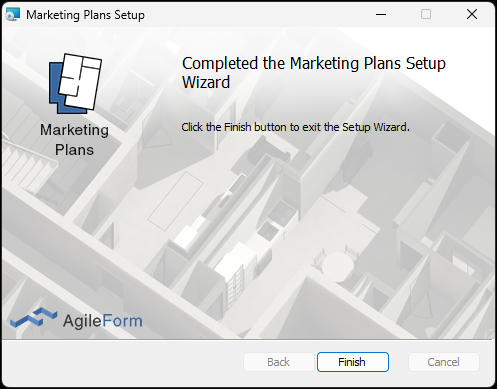
7. Installation complete.
8. In Revit you can find Marketing Plans under the Add-Ins tab.

For the first time you launch the software, you’ll be prompted with an activation window.
Press ‘Get Trial’ to register and get a trial key.
You can learn more about registration and managing your account here
Table of Contents